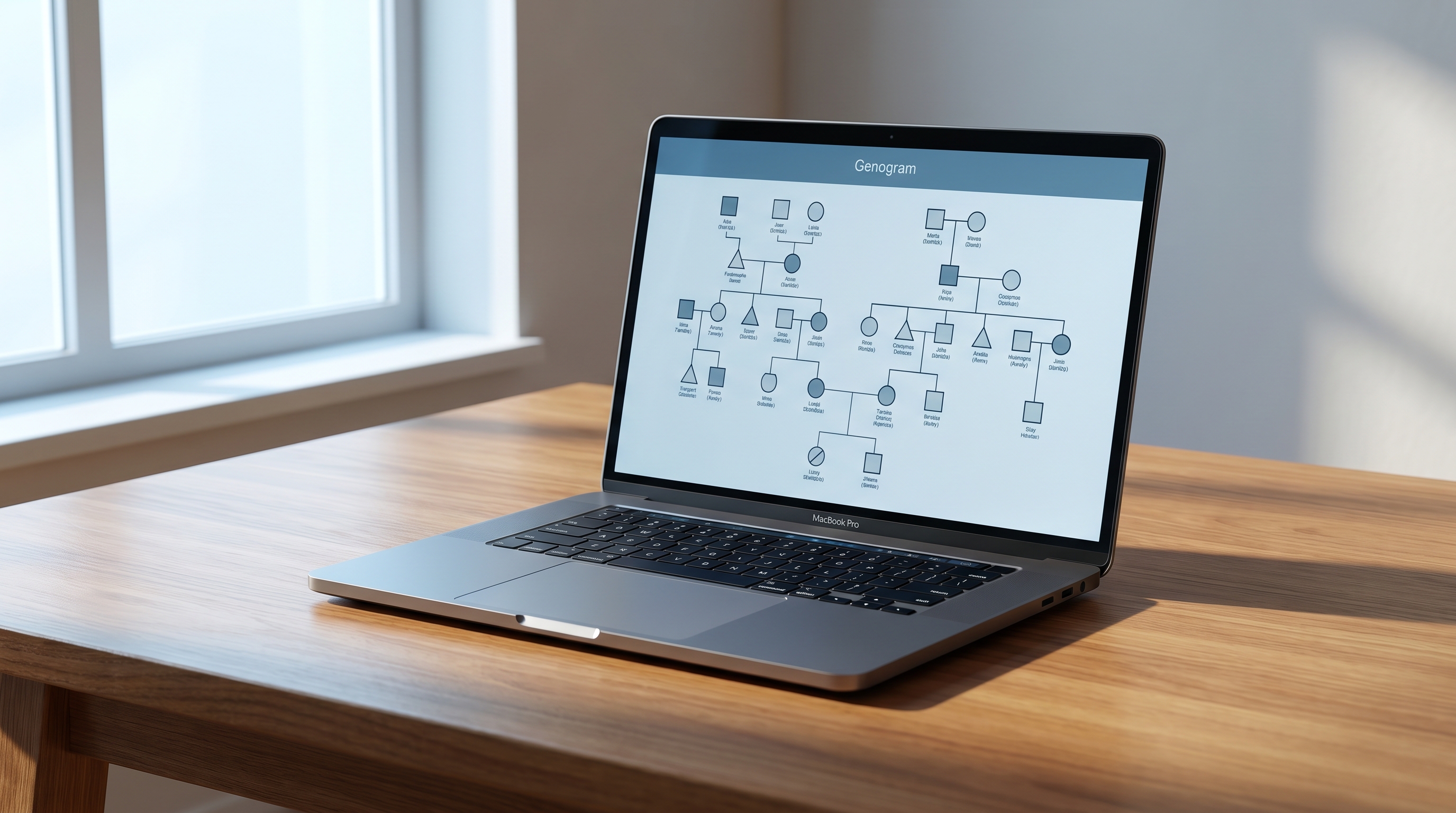
If you searched genogram maker for Mac in 2026, here are the picks that solve every Mac scenario:
.gno files natively..gno files today → run GenoPro 2020 through CrossOver ($74 one-time, GenoPro's official path, with a native Apple Silicon build) — see the full emulation matrix below.No download. No Windows VM. Just open your browser. Try AutoGenogram — AI-powered, runs natively on any Mac (Intel or Apple Silicon), and the first 3 generations are free. Start free on Mac →
The rest of this guide tests 8 Mac-compatible tools, benchmarks running GenoPro through Wine, CrossOver and Parallels, gives you a full Intel-vs-Apple-Silicon compatibility matrix, and decodes which "free" options are actually free.
GenoPro — the most-cited dedicated genogram tool — has been Windows-only since its 2002 launch. The team's official FAQ still reads: "GenoPro 2020 is a Windows platform application, but it will run on your Mac with the help of special software such as CrossOver, Parallels or VMFusion." No native Mac version exists in 2026, though their next-generation GenoProX is in development.
That left Mac clinicians and students with three options for over two decades: switch to a generic diagram tool (Visio, OmniGraffle), run Windows through emulation, or buy an iPad app. Real practitioners are frustrated. From a recent r/therapists thread on genogram software, one therapist wrote: "GenoPro has a pretty outdated UI", and a top reply went further — "GenoPro is way outdated, not very helpful."
The good news: 2024–2026 changed the landscape. Browser-native AI tools, lighter cross-platform desktop apps, and full Apple Silicon support across the major web stacks mean Mac users now have more real options than at any point in genogram software's 30-year history. This guide cuts through which of them actually work on your specific Mac.
We tested each tool on an Apple Silicon MacBook (M2, macOS Sonoma 14.x), checking platform support, free-tier limits, AI assist, real-time collaboration, PDF export quality, price, and Apple Silicon performance.
.gno files natively — critical if you're migrating off GenoPro 2020.If you must use the original GenoPro 2020 — perhaps because you have years of .gno files — there are three viable emulation routes on a 2026 Mac. We ran each on an M2 MacBook:
| Method | Price | Apple Silicon | Performance | Difficulty | When to choose |
|---|---|---|---|---|---|
| CrossOver (CodeWeavers) | $74 one-time | ✅ Native Apple Silicon build | Near-native | Low | GenoPro's official recommendation; the simplest path |
| Parallels Desktop | $99/year | ✅ Full M1–M4 support (requires Windows 11 ARM license) | Strong, resource-heavy | Medium | You already run other Windows apps in a VM |
| WINE / WineBottler | Free | ⚠️ Unstable on Apple Silicon (Rosetta required) | Variable | High | Hobbyists who don't mind manual winetricks configuration |
A few footnotes worth knowing before you commit:
.gno file portability: you can drag .gno files between your Mac host and the GenoPro VM/CrossOver bottle, but there is no native Mac viewer for .gno outside GenoProX (beta). One Redditor put it bluntly: "all of the genograms I have spent a lot of time on are in .gno filetypes, so that put me in a stuck position."If you don't yet have a .gno library to protect, skip emulation and pick a browser-native tool from the list above.
This is the genogram-maker-for-Mac compatibility matrix the existing "best of" listicles skip: which tools run natively on Apple Silicon, which need Rosetta, and which require emulation. Verified on macOS Sonoma 14.6 and Sequoia 15.0.
| Tool | Intel Mac | M1 | M2 | M3 | M4 | How it runs |
|---|---|---|---|---|---|---|
| AutoGenogram | ✅ | ✅ | ✅ | ✅ | ✅ | Browser (Safari/Chrome) |
| GenogramAI (web) | ✅ | ✅ | ✅ | ✅ | ✅ | Browser |
| GenogramAI (desktop) | ✅ | ✅ | ✅ | ✅ | ✅ | Native ARM binary |
| Creately | ✅ | ✅ | ✅ | ✅ | ✅ | Browser |
| Canva | ✅ | ✅ | ✅ | ✅ | ✅ | Browser + native app |
| GenoProX (beta) | ✅ | ✅ | ✅ | ✅ | ✅ | Native cross-platform |
| Genogram Analytics | ✅ | ⚠️ Rosetta | ⚠️ Rosetta | ⚠️ Rosetta | ⚠️ Rosetta | Intel binary, translated |
| iGenogram | n/a | ✅ via iPad/Sidecar | ✅ | ✅ | ✅ | iPad-only app |
| Gramps | ✅ | ✅ | ✅ | ✅ | ✅ | Native ARM build |
| GenoPro 2020 (Windows) | via CrossOver | ⚠️ CrossOver/Parallels | ⚠️ same | ⚠️ same | ⚠️ same | Emulation required |
For background on how Apple Silicon and Rosetta change developer obligations, Apple's own Apple Silicon transition documentation is the authoritative reference.
Every genogram maker for Mac advertises a "free" tier. Most aren't. Before you commit, here are the five freemium patterns to watch for:
Mapped against the five "free" tools Mac users most often encounter:
| Tool | Truly free? | Pattern hit | What the free tier actually gives you |
|---|---|---|---|
| Gramps | ✅ Yes, open-source | None | Full features, forever, no account required |
| AutoGenogram | Freemium (generous) | Document cap (3 generations) | 3 full AI-generated genograms, no watermark, full PNG export |
| Canva | Freemium | Export lock + Watermark on premium assets | Basic genogram from template, watermark on premium assets |
| GenogramAI (web) | Freemium | Collaboration lock + Pro templates | Single-user editing of basic genograms |
| Creately | Freemium | Document cap (3 active) | 3 active diagrams; export quality reduced on free tier |
If a tool's pricing page won't tell you the exact free-tier limit in one sentence, assume there's a freemium pattern they're not advertising.
Picking the right genogram maker for Mac comes down to your workflow. Use this as a 60-second decision aid. Looking for a comparison that also covers Windows and Linux options? See our 2026 Best Genogram Makers Field Guide → for the cross-platform version.
.gno archive → GenoProX (only modern tool that opens .gno natively)Is there a Mac version of GenoPro? No native Mac version exists in 2026. GenoPro 2020 is Windows-only; the official path on Mac is CrossOver (recommended by GenoPro), Parallels Desktop, or VMFusion. A native cross-platform successor — GenoProX — is in active beta and will eventually replace GenoPro 2020.
Can I run GenoPro on Apple Silicon (M1 / M2 / M3 / M4)? Yes. CrossOver ships an Apple-Silicon-native build and is GenoPro's recommended route; Parallels Desktop fully supports M1–M4 but requires a Windows 11 ARM license. WineBottler is no longer reliable on modern macOS.
What is the best free genogram maker for Mac? For truly free with zero upsell: Gramps (open-source, native Apple Silicon). For the most generous freemium with no watermarks: AutoGenogram (3 full AI generations free, full PNG export).
Is GenoPro free to use? No. GenoPro is shareware — there's a time-limited free trial, then the standard license is paid (around $54 one-time as of GenoPro 2020).
Which genogram maker is best for therapists on Mac? For in-session use during therapy: AutoGenogram or GenogramAI (browser-based, fast). For offline local-only work that meets stricter HIPAA-style data residency expectations: GenogramAI's desktop app or Gramps. iGenogram on iPad (mirrored via Sidecar) is also widely used in supervision and family-systems training.
Can I open .gno files (GenoPro format) in another Mac tool?
Only GenoProX (beta) imports .gno natively. For everything else, your migration path is to open the file in GenoPro running under CrossOver / Parallels first, then export to a portable format like PNG, SVG, or HTML before importing into the new tool.
Is there a truly free genogram maker for Mac? Yes. Gramps is a 100% free, open-source genogram maker for Mac with a native Apple Silicon build — no account, no upsell, no document cap. If you need AI assistance instead, AutoGenogram offers 3 full generations free with no watermark.

Join the community
Subscribe to our newsletter for the latest news and updates